

Published on: July 28, 2025 / Updated on: July 28, 2025 – Author: Konrad Wolfenstein
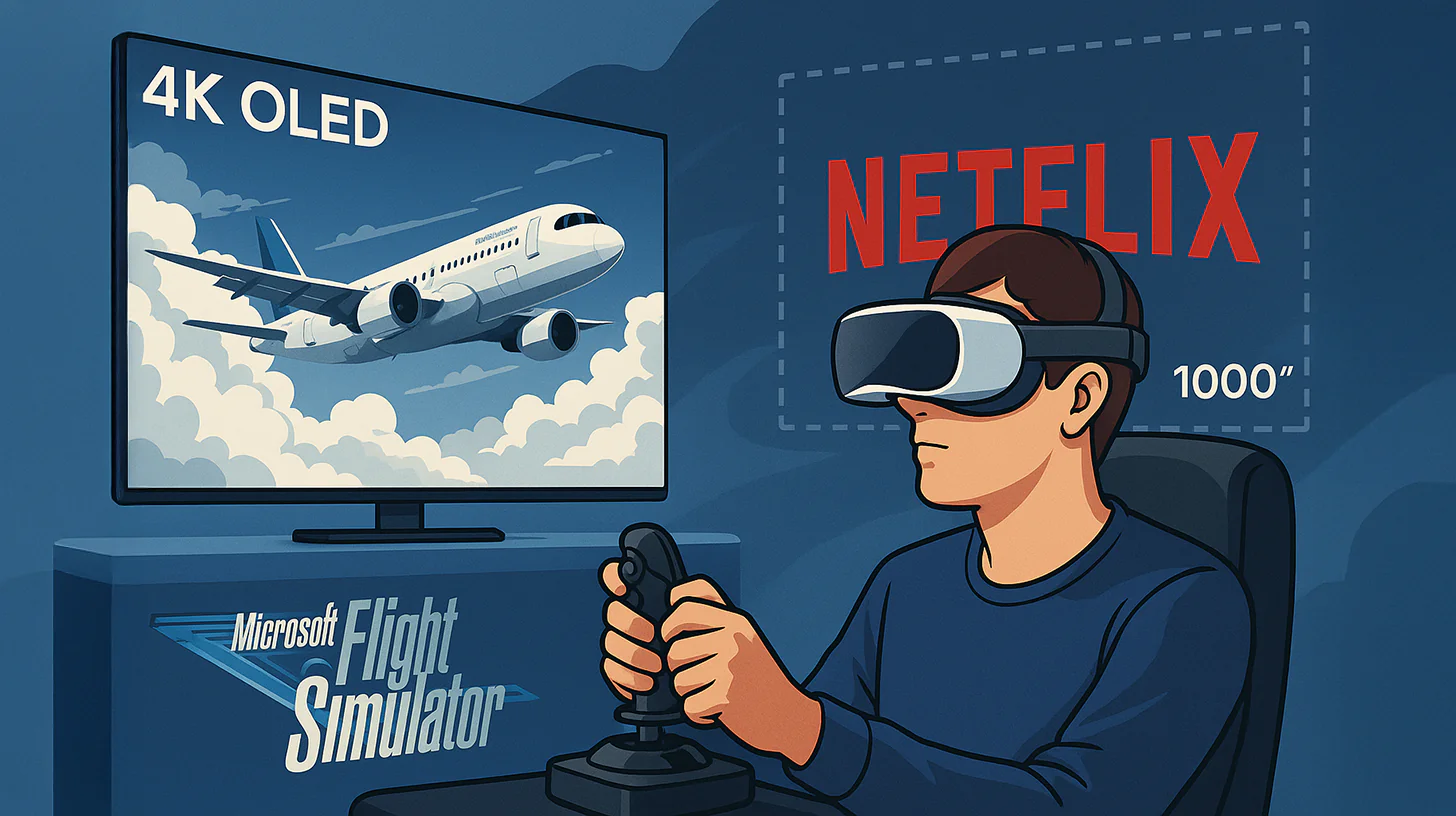
4K OLED and PC VR: Play For Dream headset tested – The ultimate headset for Microsoft Flight Simulator and Netflix on a 1000-inch screen? – Image: Xpert.Digital
A new challenger for Meta & Co.: Everything you need to know about Play For Dream
Sharper than reality? Play For Dream wirelessly combines 4K OLED and PC VR
A new name is causing a stir in the world of mixed reality: the Play For Dream MR glasses promise nothing less than a revolution for discerning users. This completely self-contained headset boasts impressive technology: powered by a Snapdragon XR2+ Gen 2 chip, it delivers image sharpness thanks to two 4K micro-OLED displays, making even the smallest details visible in cockpits or movies.
But what is this performance intended for? Two use cases are particularly prominent: ultra-realistic flying in simulators like Microsoft Flight Simulator 2024 and enjoying movies and series on a gigantic, virtual cinema screen. While the headset can natively play Android apps like Netflix or Disney+, it unfolds its full potential when used in conjunction with a powerful PC. Via Wi-Fi 6 or 7 and the "Virtual Desktop" app, it becomes a wireless, high-end solution for over 6,000 SteamVR titles. A special feature for the living room: the displayed content can be easily mirrored to a smart TV without any loss of quality, allowing others to share in the experience.
This comprehensive overview answers the most important questions: What do you really need for a smooth flight experience, how well does private streaming cinema work, and how easy is it to share the experience with family and friends on the TV? We examine the system's requirements, strengths, and current limitations.
Transparency note: The information summarized in this article is based on publicly available manufacturer specifications, as well as practical tests and third-party reports. We have no contractual or financial relationship with the manufacturer of the Play For Dream glasses. Our reporting is therefore purely editorial and independent .
What exactly are the Play For Dream MR glasses?
This is a standalone mixed-reality headset running on a variant of Android ("DreamOS"), utilizing 4K micro-OLED displays per eye (3,840 × 3,552 px) and powered by Qualcomm's Snapdragon XR2+ Gen 2. The device features inside-out tracking, eye tracking with automatic IPD adjustment (51–78 mm), and halo-free controllers. Weighing in at 650 g, the rear-mounted battery distributes the weight evenly.
Suitable for:

What was the primary purpose of the glasses?
For spatial video, mixed reality apps, wireless PC VR streaming (including via Virtual Desktop), and large-screen cinema applications. With Wi-Fi 6/7, over 6,000 SteamVR titles are available wirelessly.
Can I reasonably use Microsoft Flight Simulator 2024, X-Plane 12, or similar programs?
Microsoft Flight Simulator 2024, X-Plane 12, and similar flight simulators can be used effectively with a powerful PC. In tests using Virtual Desktop and the so-called "Monster Mode," Microsoft Flight Simulator 2024 ran stably at 32 to 45 frames per second at 90 Hz ASW, with an RTX 4090 graphics card and a Wi-Fi 6/7 router. The resolution in PC VR is 3,200 × 3,200 pixels per eye in Monster Mode. Image sharpness is very high; no individual pixels are visible, and the OLED contrast is also very good. The latency is subjectively described as "near Quest Link," but significantly higher than with DisplayPort headsets. Battery life is approximately 60 to 90 minutes, so using a power bank is recommended.
Do I need additional hardware for flight simulators?
Flight simulators typically require a gaming PC with at least an RTX 3070 or RX 6800 XT graphics card, as well as a Wi-Fi 6 or, better yet, a Wi-Fi 7 router to ensure a stable connection with speeds exceeding 1200 Mbps. The "Virtual Desktop" app, available for $25, is also recommended for high-quality streaming. While a wired connection via USB-C "Link" is possible, it doesn't achieve the visual quality of a native DisplayPort connection.
Can I watch Netflix or other streaming services directly on the glasses?
Yes, you can watch Netflix and other streaming services directly on the headset. DreamOS has an app store where you can find video players like Deo VR and Moon VR. Regular Android APK versions of Netflix, Disney+, and other services can be installed via the integrated Aurora Store. Playback takes place on a virtual screen up to 1,000 inches in size with DTS:X surround sound.
Does the device support DRM-protected HD streams?
The device supports HD DRM streaming because Widevine L1 is available, so Full HD Netflix works without any problems. However, 4K support depends on license updates and, according to current firmware notes, is still under development.
Are there any advantages to streaming movies via PC?
Yes. Virtual Desktop allows you to play Blu-ray rips or browser windows at higher bitrates (AV1, 10-bit HDR) and with up to three virtual monitors.
Suitable for:

Can a second person watch the same movie on the TV at the same time?
Simultaneous image output on the OLED TV is possible through various mirroring functions. There are three scenarios: First, the DreamOS screencast function, selectable in the quick menu under "Screencast," streams the headset image via Miracast or Chromecast to any compatible smart TV platform. Second, PC VR mirroring, where the SteamVR window "Display VR View" is displayed on the monitor and transmitted to the TV via HDMI. Third, the HDMI dongle solution, used if the TV does not support wireless transmission; an inexpensive Chromecast stick is sufficient here. With the Miracast TV option, no additional device is required if the TV is compatible; the latency is 200 to 250 milliseconds. The Chromecast HD option requires a dongle, which costs around 30 euros, with a latency of 180 milliseconds. The SteamVR monitor variant requires no additional device, only a PC, and has a latency of less than 60 milliseconds.
Does mirroring affect the image quality in the headset?
No – the glasses continue to render internally in 4K OLED; only the network needs to provide additional bandwidth.
Essential additional equipment at a glance
For the flight simulator in PC VR, at least a gaming PC, Wi-Fi 6 or 7, and Virtual Desktop are required. Optionally, a Wi-Fi 7 router, a power bank, and a joystick are recommended to ensure a high bitrate and longer sessions. For Netflix VR in standalone mode, the headset alone is sufficient, although Bluetooth headphones and a powerful power bank clip can improve battery life and audio quality. If you want to use a TV image simultaneously, at least a Smart TV with Miracast is required. If the TV is incompatible, Chromecast or HDMI Mirror are recommended as practical alternatives. To use a flat-screen console with the headset, at least a Dream Box adapter is needed, which allows an HDMI handheld console to be displayed on a virtual screen.
What are the current weaknesses of the system?
The system's current weaknesses lie primarily in its battery life, which realistically only lasts 60 to 90 minutes, making an external battery almost indispensable for longer flights. Furthermore, the selection in the proprietary standalone store is currently limited, as only a few MR games are offered. Additionally, visible color banding occurs in very dark scenes, which is more pronounced than with DisplayPort headsets. Controller tracking can experience brief positional losses if the controller is completely covered; however, a firmware fix for this has already been announced.
Summary of key findings
- Flight sim capability: With a powerful PC, Wi-Fi 6/7 and Virtual Desktop, the Play For Dream delivers a detailed, virtually wireless MSFS experience in 4K OLED quality.
- Movie enjoyment: Netflix & Co. can be enjoyed in cinema screen size both natively (Android apps) and via PC streaming; DTS audio provides surround sound.
- TV mirroring: A screencast button in the UI wirelessly streams the headset image to compatible TVs. Alternatively, PC Mirror or Chromecast serve the same purpose.
- Additional equipment: Essential for flight simulators: a powerful PC + virtual desktop. A headset is sufficient for Netflix; a dongle may be useful for the living room TV, depending on the model.
Suitable for:
Your global marketing and business development partner
☑️ Our business language is English or German
☑️ NEW: Correspondence in your national language!

Konrad Wolfenstein
I would be happy to serve you and my team as a personal advisor.
You can contact me by filling out the contact form or simply call me on +49 7348 4088 965 (Munich) . My email address is: wolfenstein ∂ xpert.digital
I'm looking forward to our joint project.


